Notes and feedback
Notes between the office and the technician, reasons for dismissed AI warnings, and a rating for each repair.
ForFacility managerTechnician
The problem
Calls and chat messages about a repair get lost, and nobody learns why a warning was wrong or a repair was poor.
How WFI helps
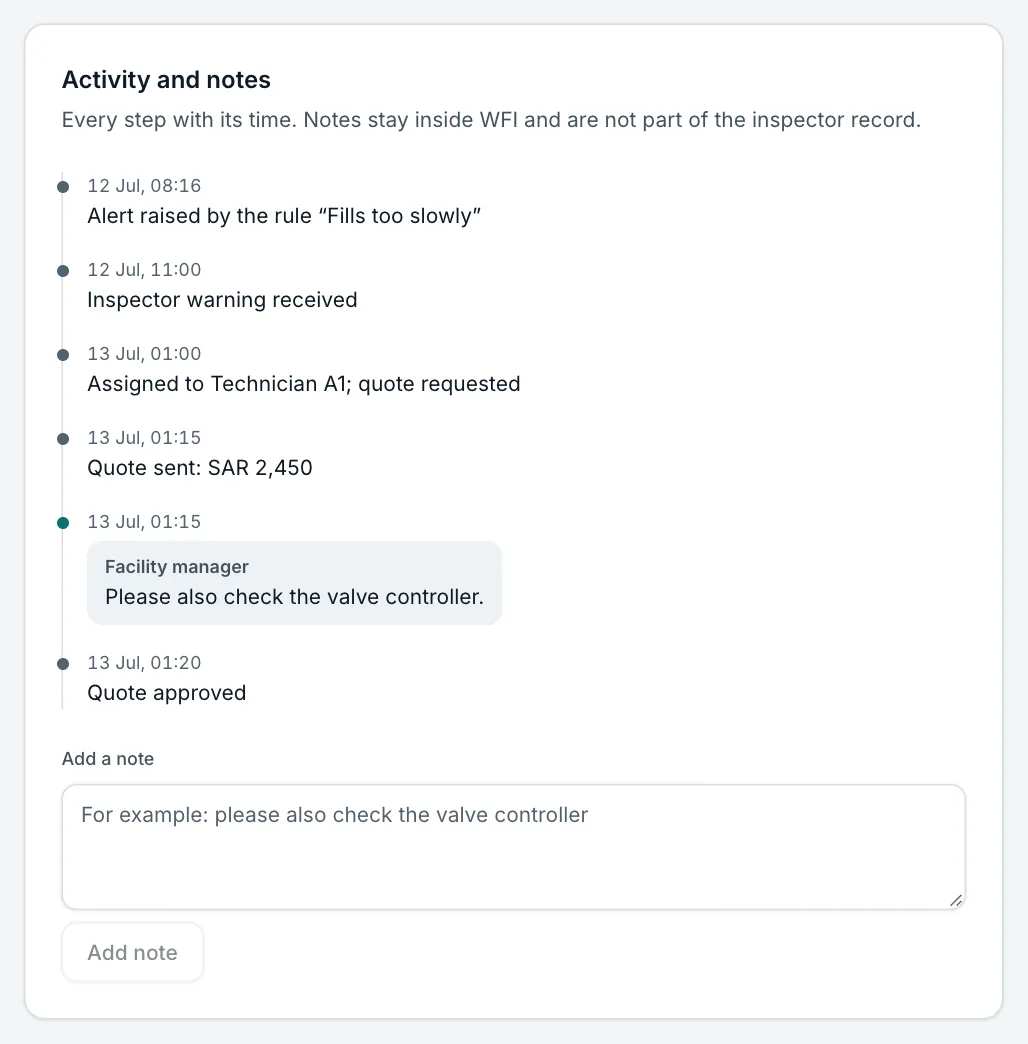
Each alert keeps a dated activity list with notes from both sides. Dismissed AI warnings keep their reason, and every closed repair can be rated.
Step by step
- 1
Add a note
On the alert, write a note. The technician sees it in the job on the phone and can reply.
- 2
Say why a warning is not a fault
When you dismiss an AI warning, choose a reason, such as known use or a sensor problem.
- 3
Rate the repair
After the alert closes, rate the repair from 1 to 5. Ratings help choose partner firms.
Try it yourself on the real screen.
Open an alert