Fitting the sensors
How a partner technician adds a sensor to a tank in four steps on the phone.
ForTechnicianFacility manager
The problem
A building cannot be watched without readings, and nobody wants pipes cut or equipment replaced to get them.
How WFI helps
Sensors are fitted from the outside. The partner app links each sensor to its tank, tests the signal and keeps a mounting photo.
Step by step
- 1
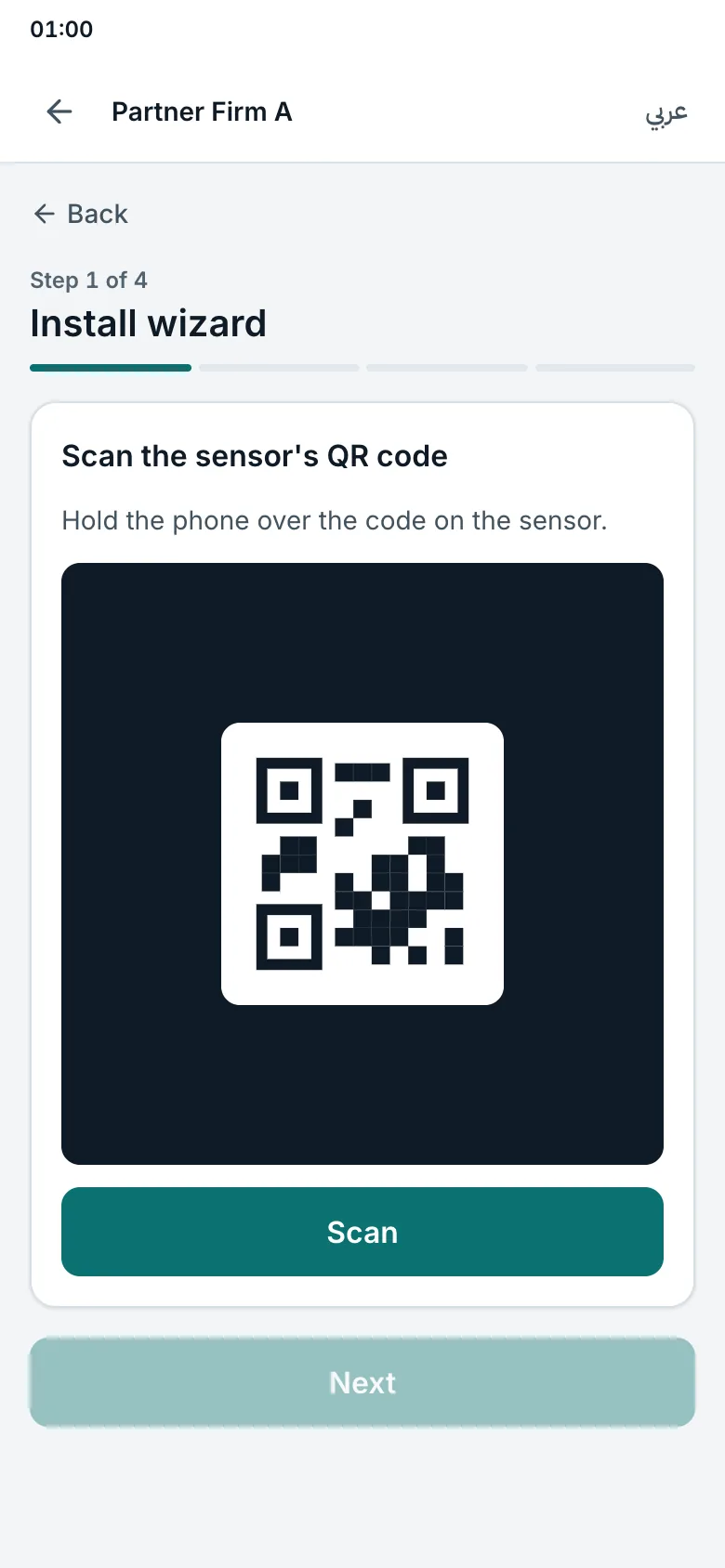
Scan the sensor's code
Hold the phone over the QR code on the sensor. The app shows the sensor's number.
- 2
Choose the tank
Pick the building and the tank: ground tank, roof tank or cooling tower basin.
- 3
Test the signal
The app checks the signal and shows the first reading.
- 4
Add a mounting photo and finish
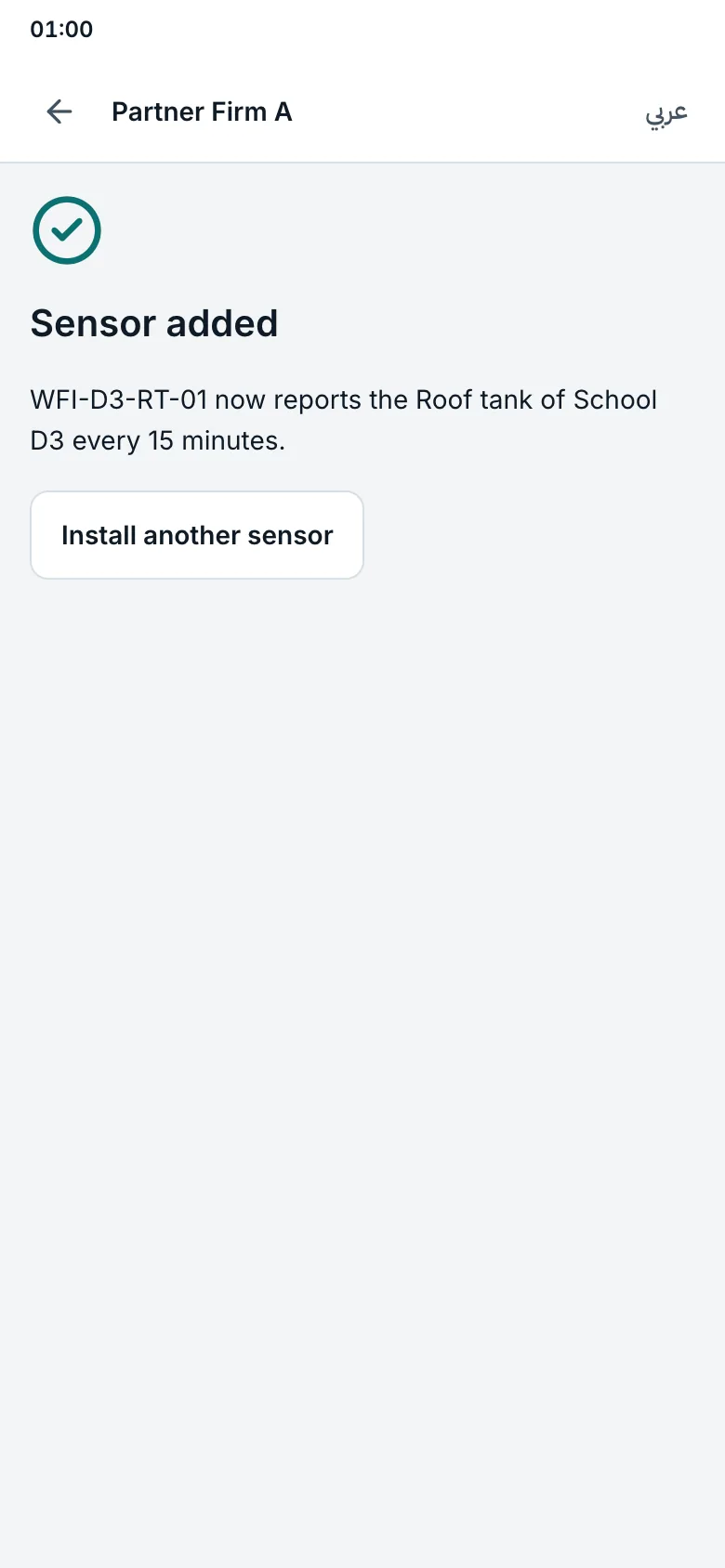
From now on the sensor reports every 15 minutes, and the building twin shows it.
Try it yourself on the real screen.
Open the install wizardRelated articles
- Site survey before installationCheck the building, test the signal and send the owner a plan with the price.
- The building twinSee tanks, pumps and pipes live, replay the last days, and run a fault drill.
- How WFI worksSensors watch your tanks and pumps, WFI names each fault, a partner fixes it, and every repair is proven.