The building twin
See tanks, pumps and pipes live, replay the last days, and run a fault drill.
ForFacility manager
The problem
Readings in a table are hard to picture. You need to see where the water goes and where it stops.
How WFI helps
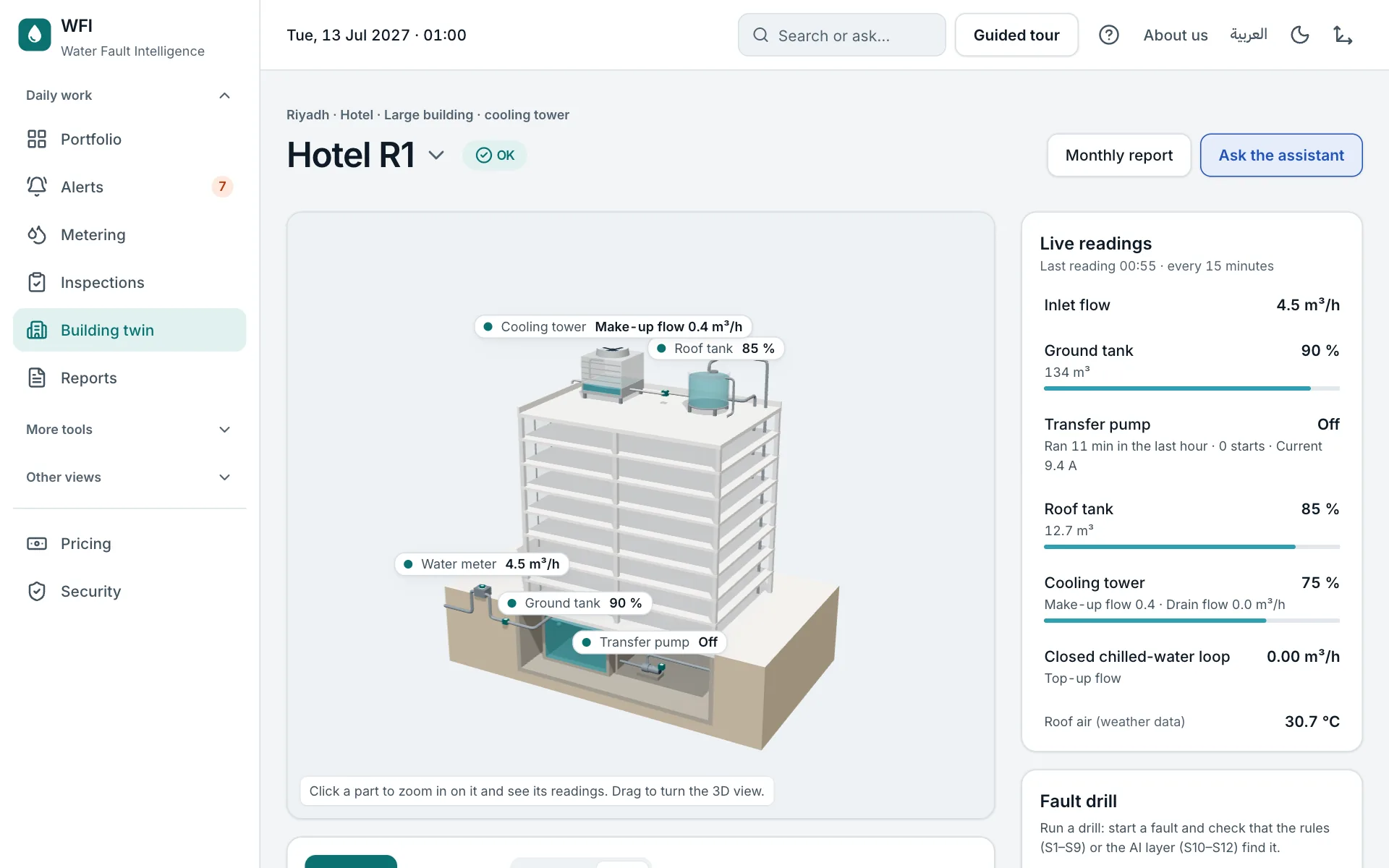
The twin draws the building’s water system and shows each part with its latest reading. A flat plan is used when reduce motion is on.
Step by step
- 1
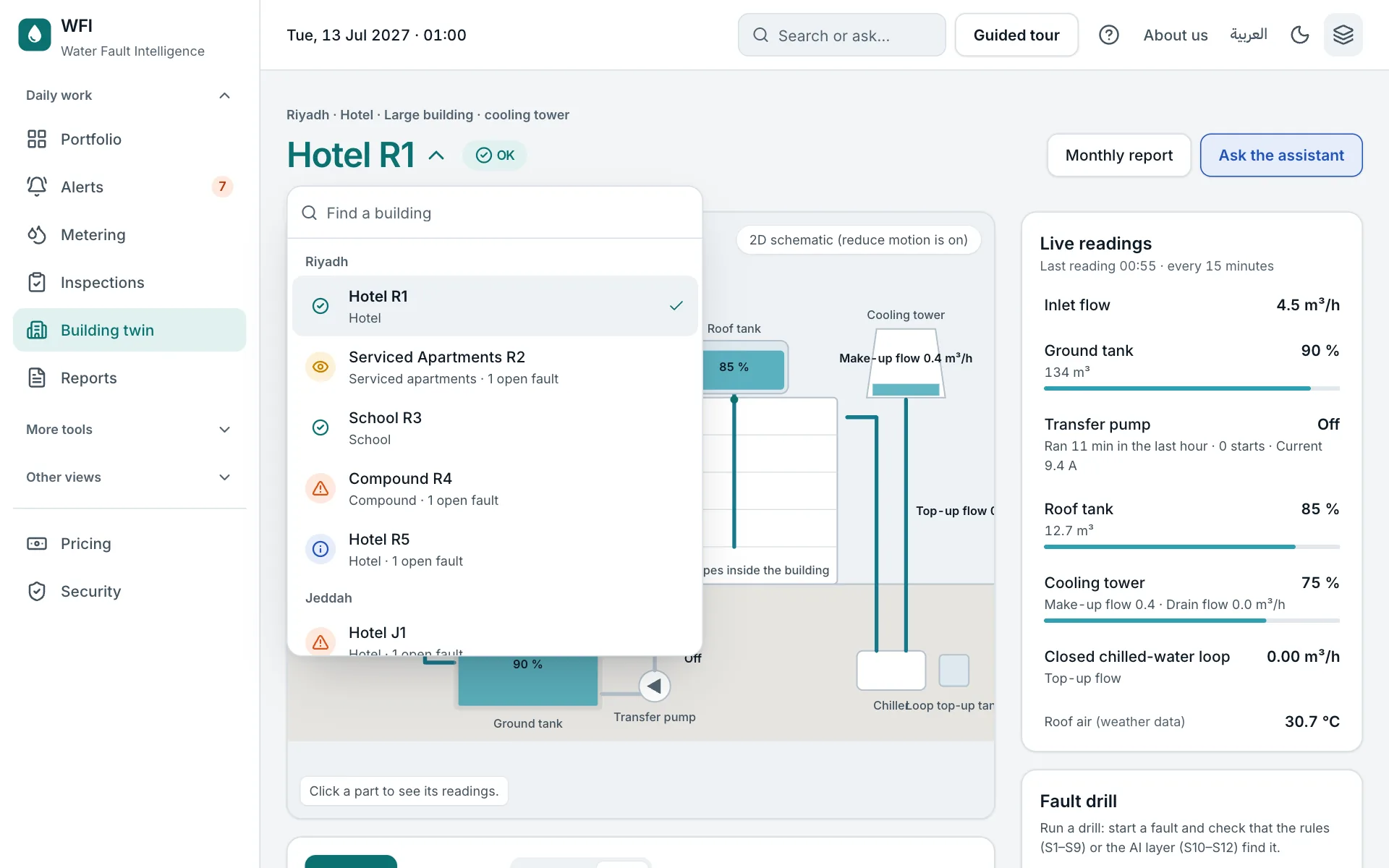
Pick the building
Click the building's name at the top to switch. Search by name, city or type; each building shows its status and open faults.
- 2
Look at the live view
Click a tank or the pump to see its readings. A part with a fault is highlighted.
- 3
Replay the readings
Play at 1×, 60× or 600×, or drag the time bar to go back.
- 4
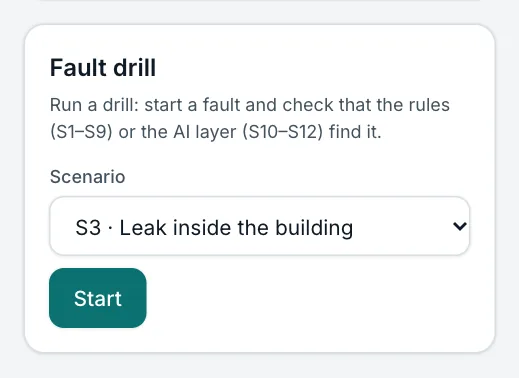
Run a fault drill
Start a fault and check that the right alert reaches you, named and on time.
Try it yourself on the real screen.
Open the building twin