Working the alert list
Start with what needs action, then filter, sort and share the view.
ForFacility manager
The problem
When several faults are open, you need the most urgent ones first and a quick way to hand out work.
How WFI helps
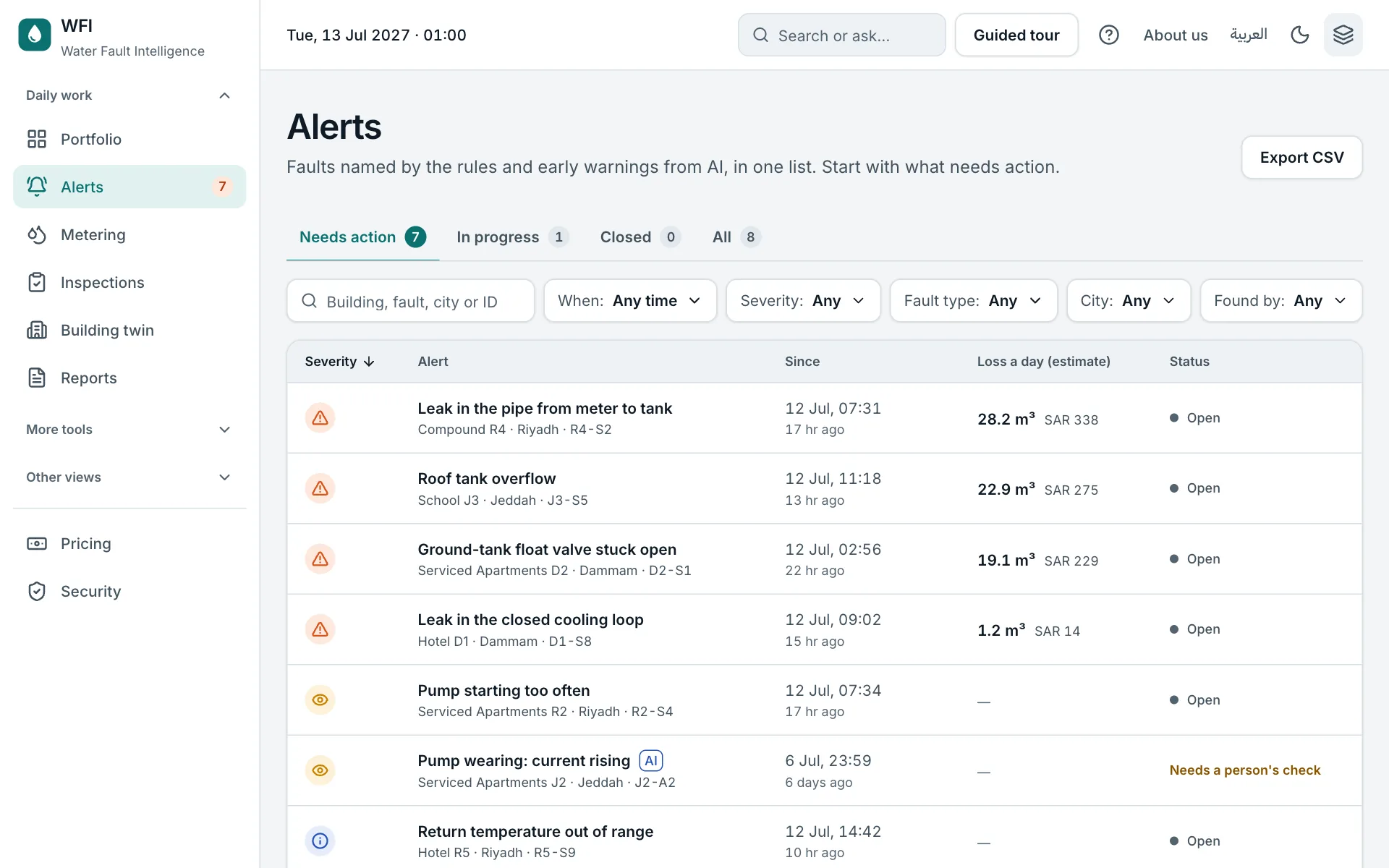
The list opens on Needs action, sorted by severity, with the loss a day beside each alert.
Step by step
- 1
Pick a tab
Needs action, In progress, Closed or All. Each tab shows its count. Point at a status icon to read it.
- 2
Filter and sort
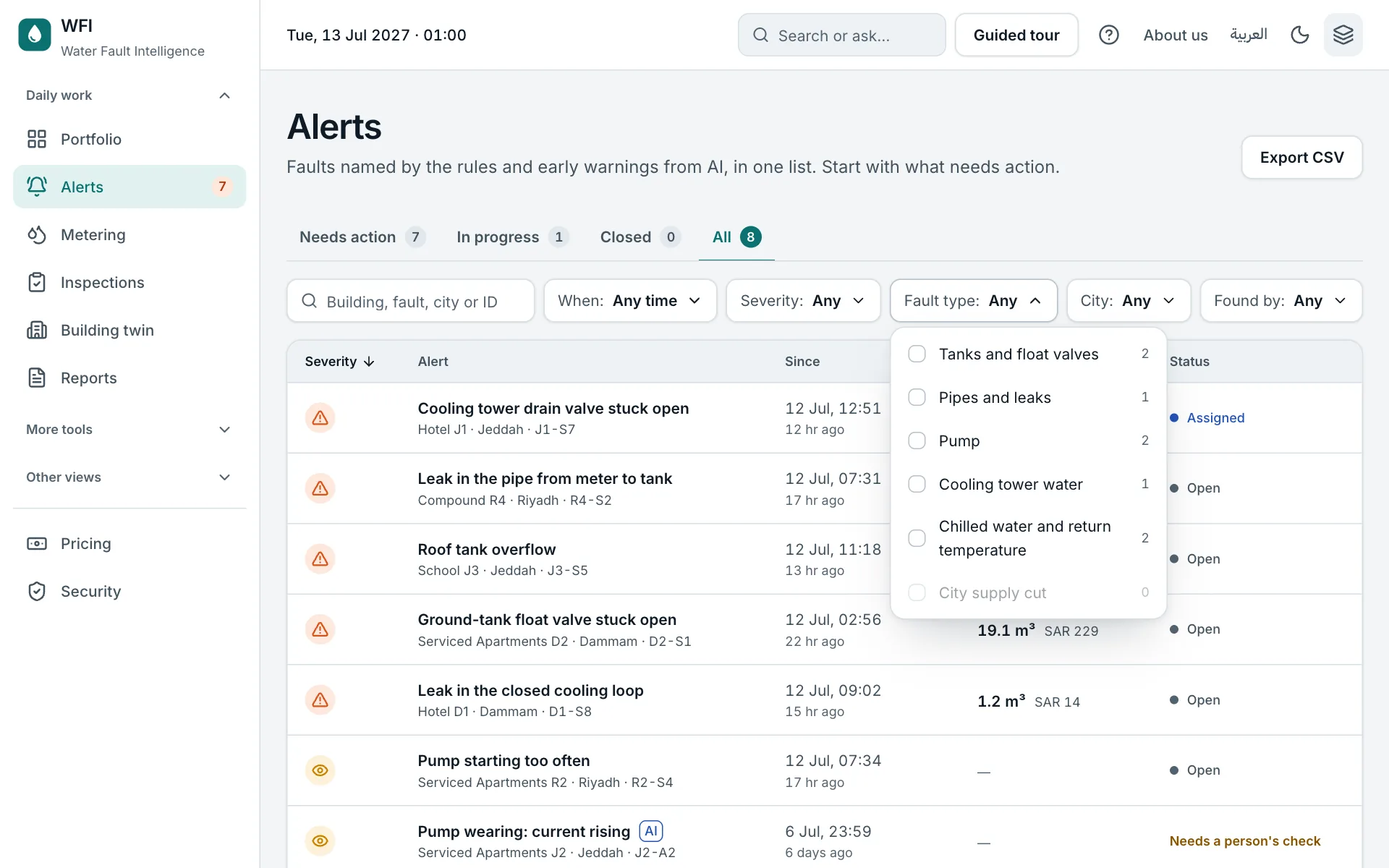
Filter by time, severity, fault type, city or who found it. Each choice shows how many alerts it gives. Click a column heading to sort.
- 3
Share or export
The address keeps your filters, so you can send the link. Export CSV saves the list for a spreadsheet.
Try it yourself on the real screen.
Open Alerts